Smart Flows
Smart Flows
Guide recipients through forms, bookings, documents, files, and payments.
Smart Flows bring client-facing steps into one public link. Recipients can move through information, questionnaires, bookings, file requests, proposals, contracts, and payments without signing in to the client portal.
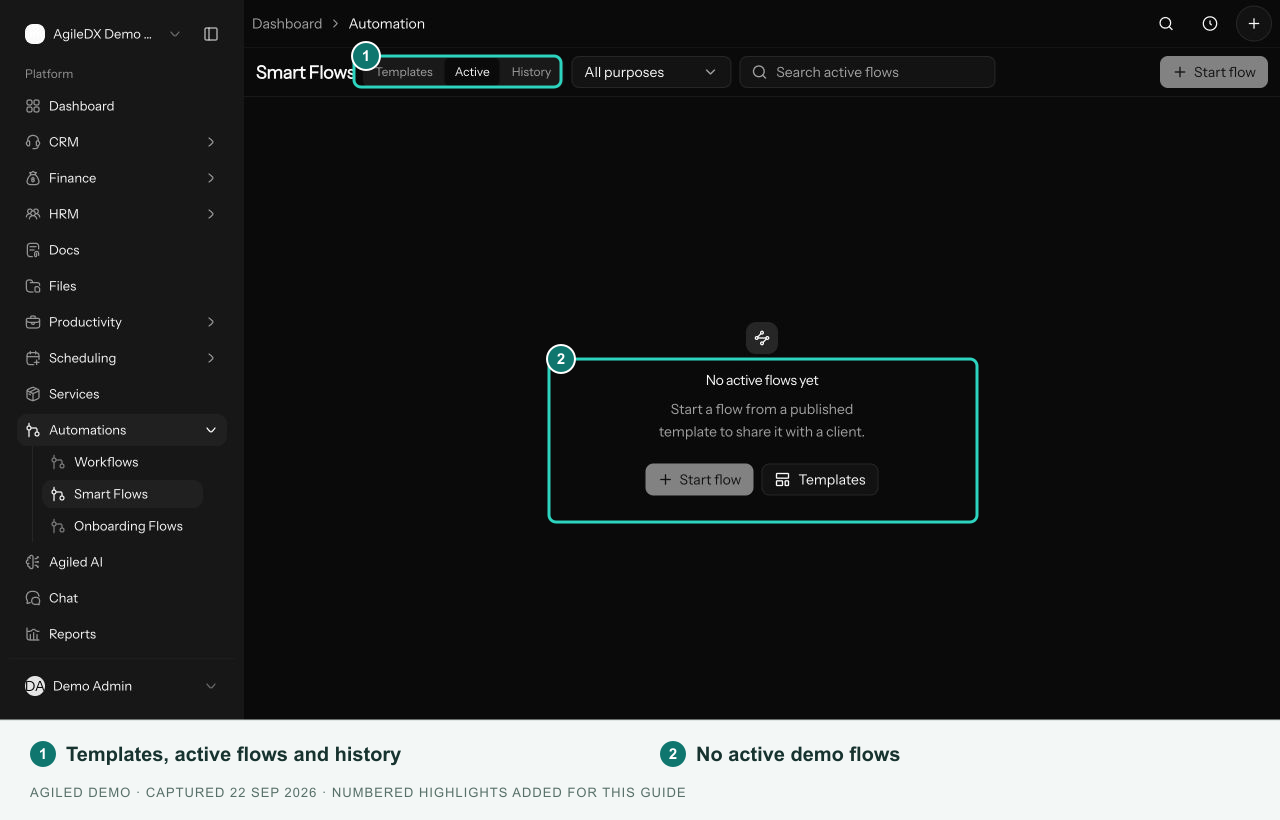
Open Automations > Smart Flows. Use Templates to build reusable flows, Active to review work in progress, and History for finished or stopped runs.
Choose the right automation
| Tool | Use it for |
|---|---|
| Smart Flows | A public, guided client journey, including signing and payment |
| Onboarding Flows | Signed-in client onboarding with tasks, resources, and file requests |
| Workflows | Triggers, conditions, actions, waits, and team approvals behind the process |
A template defines the pages and steps. A run is one recipient's progress through a started flow. Publishing a template makes it available to start; it does not mean a client has completed it.
Set up your first flow
- Create a template from a starter or a blank flow.
- Configure the steps and linked records.
- Preview the pages and publish when ready.
- Start for a contact or share a public start link.
- Review progress in Active and History.
Public links grant access to the recipient experience. Share each contact's run link only with its intended recipient.