Public Pages
Understand customer-facing public links outside the workspace.
Public pages let people outside the workspace submit forms, book appointments, pay invoices, review estimates, sign documents, and complete checkout flows.
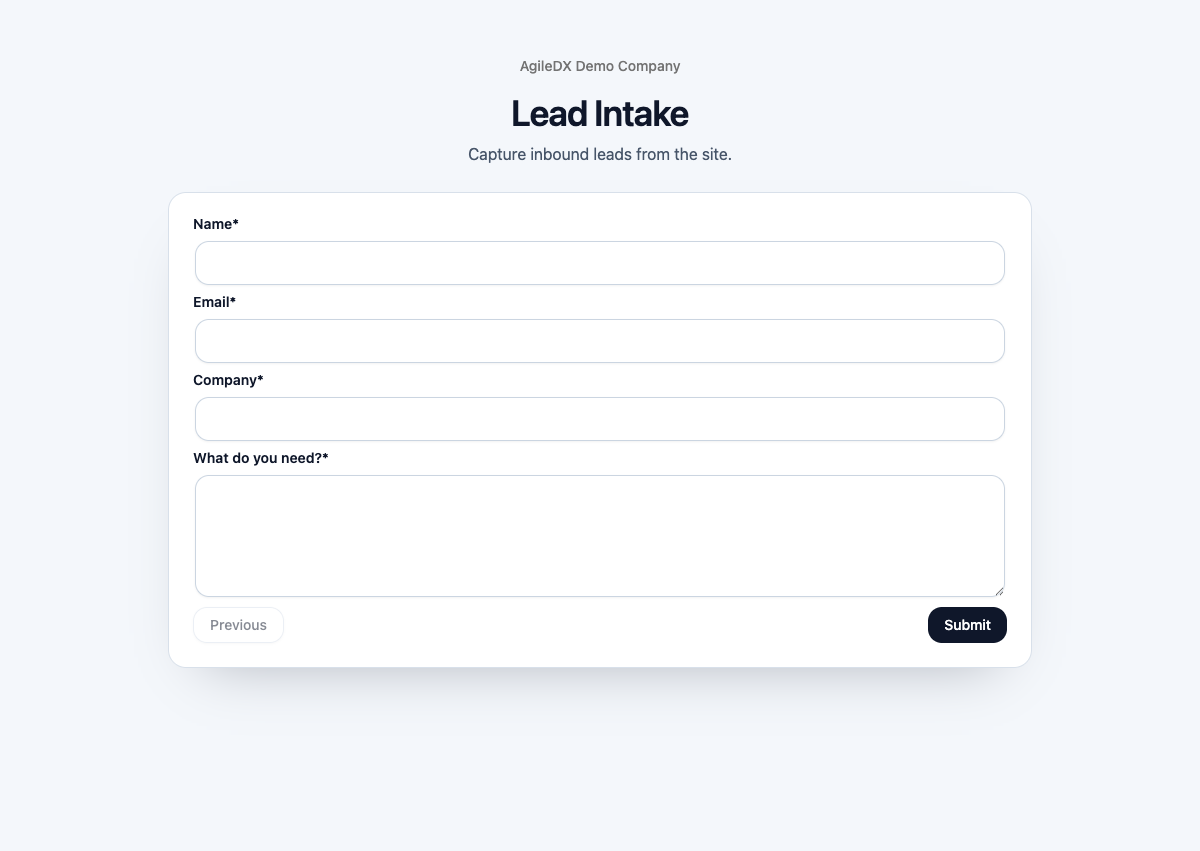
Public Page Types
- Public forms
- Public booking pages
- Public invoice and payment pages
- Public estimate pages
- Public document preview and signing pages
- Storefront and checkout pages
Each public page is backed by a workspace record or setting. If the public page looks wrong, fix the source record inside Agiled instead of only changing the message where you share the link.
Before Sharing a Public Link
Open the link yourself, check branding and customer-facing copy, confirm payment or signing requirements, and make sure the link does not expose private workspace-only information.
Test the exact link you plan to share, not just a similar page. Public links can depend on the current record, slug, custom domain, active status, payment provider, recipient assignment, or required fields.
Use a private browser window for the final check. This shows the page as a customer sees it without your workspace session hiding access, branding, or permission problems.
Where Public Pages Come From
- Forms come from CRM form settings.
- Booking pages come from scheduling booking pages and event types.
- Invoice and payment pages come from finance records and payment settings.
- Estimate pages come from estimate records and recipient actions.
- Document signing pages come from document recipients and signing fields.
- Storefront and checkout pages come from products, checkout links, and payment providers.
Use the internal source record to change titles, required fields, active status, payment behavior, branding, or recipient access.
After Someone Uses a Public Page
Check the resulting record inside Agiled. Forms should create or update the expected CRM records, booking pages should create appointments, invoices should show the payment state, estimates should show the customer's action, documents should show recipient completion, and checkout pages should create orders.
Public pages are not done at "the page loaded." Always verify the internal record after a test submission, booking, payment, approval, signature, or order.
Common Workflows
- Share public links
- Test public pages
- Embed public forms
- Review the public booking flow
- Use public invoice payments
- Use public estimate actions
- Use public document signing
- Review storefront flow
- Check branding and domains
- Troubleshoot public pages
Public Page Launch Checklist
Before sharing any public page:
- open it in a private browser window
- check branding, domain, and business details
- complete the public action where safe
- confirm the internal record updates
- test on mobile width
- verify payment, signature, or required fields when relevant
- update old links in templates, websites, and campaigns
Link Hygiene
When a slug, domain, checkout link, booking page, or public form changes, update every place that shares the old URL: email templates, website buttons, campaigns, QR codes, workflow messages, and teammate bookmarks.