Contacts
Create and manage people records in CRM.
Contacts are the people your team sells to, supports, bills, schedules with, or sends documents to.
Use contacts as the person-level CRM source of truth. Accounts hold company context, but contacts hold the actual people your team communicates with.
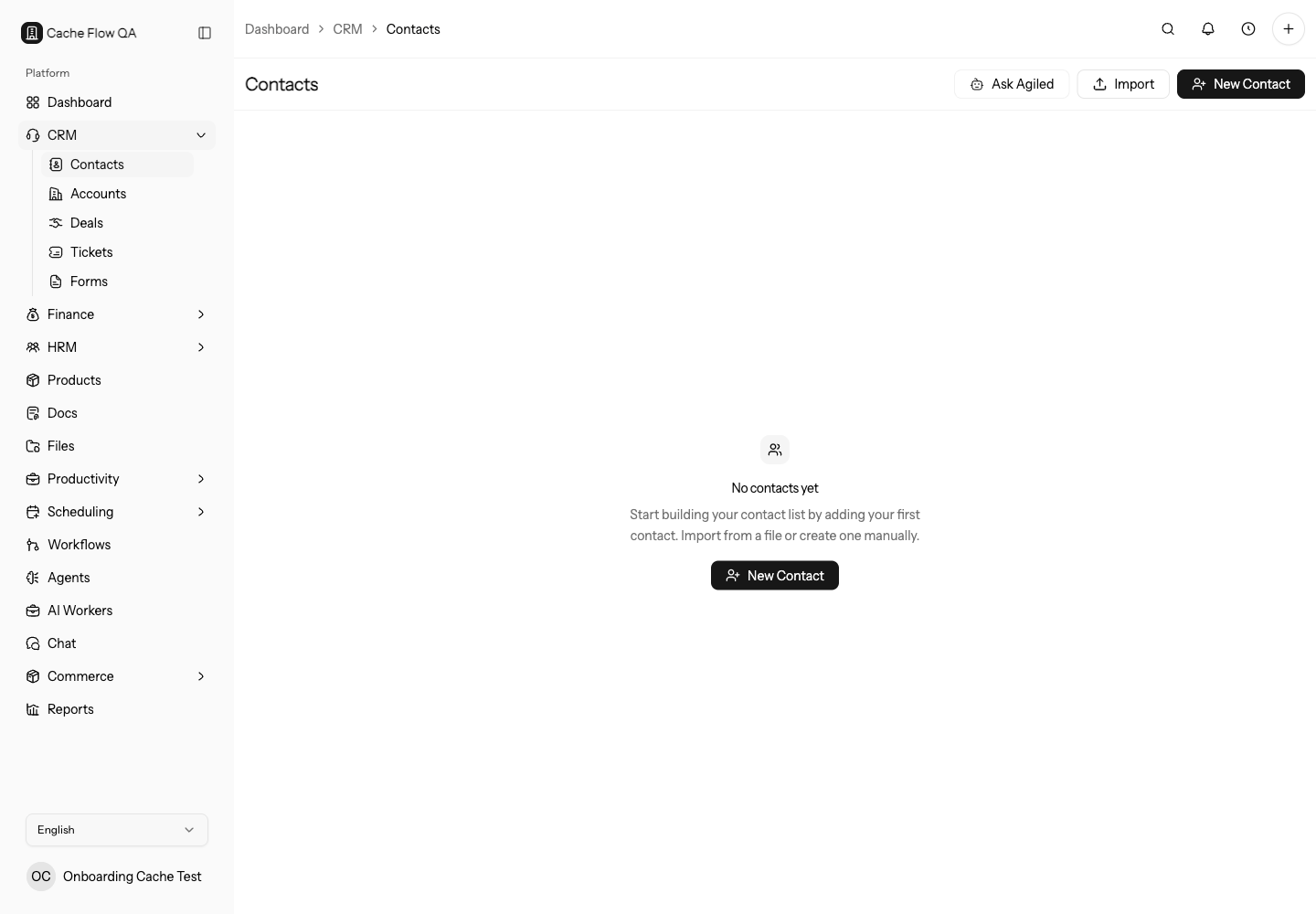
Create a Contact
Open CRM > Contacts, then create a new contact. Add the person's name, email, phone, company/account, owner, and any custom fields your workspace uses. Keep email addresses accurate because invoices, estimates, documents, tickets, and public links can depend on them.
Before creating a contact, search by email, phone, and company name. Duplicate contacts split notes, tasks, tickets, deals, and finance history across multiple records, which makes follow-up harder.
Use a consistent owner and status process. If the contact came from a public form, import, mailbox, or integration, review the source before assigning sales or support work.
Contact Detail
The contact detail page keeps the full customer context in one place:
- Profile and contact information
- Account/company relationship
- Activity history
- Notes and comments
- Tasks and follow-ups
- Related deals, forms, tickets, finance records, documents, or files when available
Follow Up From a Contact
Use notes for internal context, tasks for future work, and email when a connected mailbox is available. If email is not connected, connect Gmail or Outlook from mailbox settings or from supported CRM surfaces.
Choose the follow-up tool by outcome:
- Use a note for context the team should know.
- Use a task when someone must do something later.
- Use a ticket when the customer request needs status, priority, assignment, or resolution tracking.
- Use a deal when the contact is part of a sales opportunity.
- Use a document, estimate, invoice, or file when the customer needs a formal artifact.
Contact Context
Open a contact when you need more than table fields. The detail page includes overview, activity, notes, tasks, email, files, deals, profile details, and team comments so your team can understand the relationship before taking action.
Keep Contacts Clean
Use imports carefully, avoid duplicate email addresses, and keep account links up to date. Clean contact data improves search, reports, automation, and finance documents.
Review contacts regularly for:
- missing email addresses or phone numbers
- contacts without owners
- contacts not linked to the right account
- stale statuses or tags
- duplicate people created by imports or integrations
- custom fields that are empty but required by your sales or support process
Use saved views and bulk actions for cleanup, then spot-check a few detail pages to confirm the full relationship context still makes sense.
When To Create vs Update
Create a new contact when the person is new to the workspace. Update the existing contact when the same person changes company, role, phone number, or owner.
Before creating a duplicate for a second email address, check whether your team should add context to the existing contact or create a new person record. The right choice depends on how your team tracks email history, billing contacts, and support conversations.
Before Customer Outreach
Before sending important communication from a contact, confirm email, account, owner, recent activity, open tickets, active deals, and unpaid invoices. This prevents sales, support, and finance from sending conflicting messages.