Commerce
Sell products and services with storefronts, checkout links, and orders.
Commerce helps you sell products or services through public checkout pages.
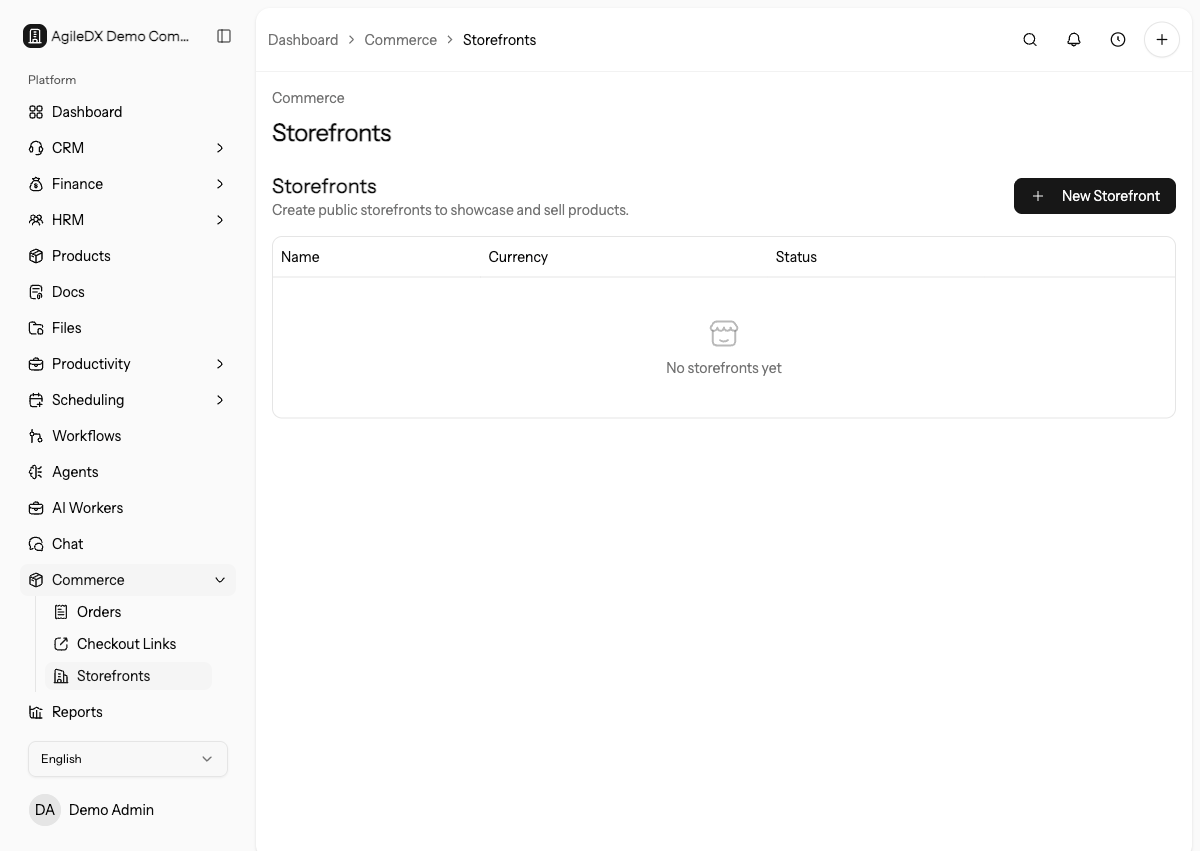
Set up products and payment methods before sharing commerce links with customers.
Commerce works best when product catalog, payment gateway, taxes, customer fields, and invoice settings are already reviewed.
Storefronts
Storefronts are public pages where customers can browse and buy selected products or services. Use a storefront when you want a reusable public selling page.
Use storefronts for broader catalogs or campaigns where customers choose from multiple items.
Review storefronts after product, price, tax, image, or payment changes. A storefront is public, so stale catalog data can become a customer-facing order problem quickly.
Checkout Links
Checkout links are focused payment pages for a specific offer. Use them for a single service, package, deposit, event, product, or promotion.
Use checkout links when you want one direct call to action.
Orders
Orders record what a customer bought through a storefront or checkout flow. Review order details, customer information, payment status, products, and any follow-up work needed after purchase.
Use orders as the operational handoff after checkout. Confirm payment status, fulfillment status, invoice creation, customer answers, and any workflow actions before marking the purchase complete.
Payments
Commerce depends on payment gateway setup. Configure Stripe Connect, PayPal, or Mollie before sharing live checkout pages.
Open each public checkout flow in a private browser window before launch. Confirm products, totals, tax, customer fields, payment methods, success behavior, and order creation.
Launch Checklist
- Products are active and priced correctly.
- Payment gateway is connected and tested.
- Taxes and currency are correct.
- Public links use the right domain.
- Success message or redirect explains the next step.
- Orders create the expected invoice or follow-up record.
First Live Order Review
After launching a storefront or checkout link, review the first real order from start to finish. Confirm customer details, selected products, payment status, invoice behavior, taxes, custom answers, notifications, workflows, and any fulfillment task.
If anything is wrong, fix the product, checkout link, gateway, tax, invoice, or workflow setting before promoting the link more broadly.
Troubleshooting
If checkout fails, test the public link, product status, payment gateway, currency, and required fields.
If orders are missing invoices, review commerce invoice-generation settings and payment status.
If checkout works in testing but fails for customers, compare the exact public URL, product status, gateway mode, required fields, max uses, expiration, and custom-domain behavior.
Recommended Guides
- Create a simple storefront.
- Sell a service with a checkout link.
- Review and fulfill an order.