Checkout Links
Sell a focused offer with a direct checkout page.
Checkout links are direct public payment pages for a specific product, service, deposit, package, or offer.
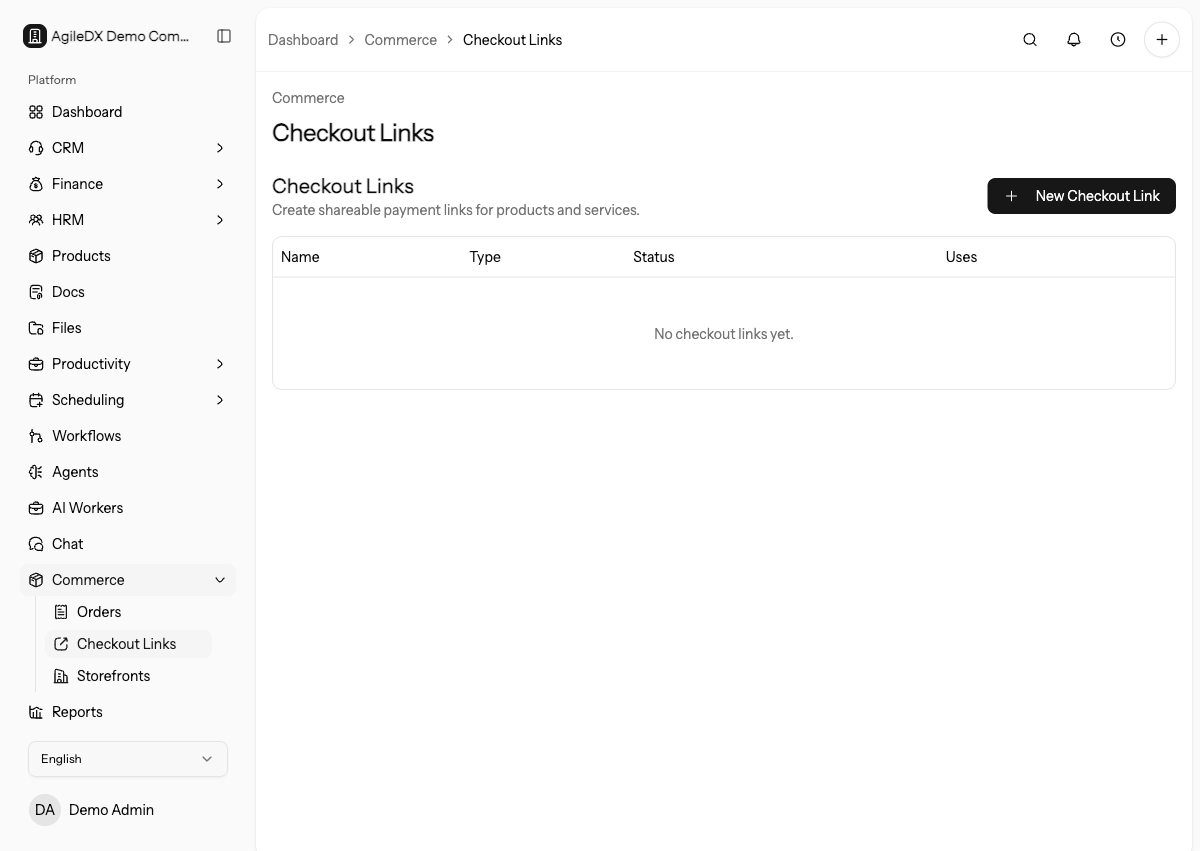
Open Checkout Links
Open Commerce > Checkout Links. The list shows each link name, public slug, type, active status, use count, and actions to copy, open, edit, or delete the link.
Select New Checkout Link to create one.
Configure the Offer
Checkout link fields:
- Name: internal and public offer name.
- Type: Single Product for one item or Multiple Products for bundles and package choices.
- Currency: three-letter checkout currency.
- Products / Services: catalog items included in the link.
- Default quantity: starting quantity for each item.
- Override: optional price override for this checkout link.
- Accepted Payment Methods: leave unchecked to allow all configured methods, or select specific gateways/offline methods to restrict the link.
- Custom Intake Fields: extra questions for the buyer.
- Success Message: message after payment.
- Redirect URL: optional redirect after successful checkout.
- Max Uses: limit how many times the link can be used.
- Expires At: stop accepting purchases after a date.
- Active: turn public access on or off.
- Auto generate invoice: create an invoice after payment completes.
Offer Setup Checklist
Before activating a checkout link, confirm:
- the public name clearly describes the offer
- selected products or services are correct
- price overrides are intentional
- accepted payment methods are available
- required intake fields are truly needed
- success message or redirect tells the buyer what happens next
- max uses and expiry match the campaign or offer
- invoice generation matches the finance process
Add Multiple Products
Choose Multiple Products, then select Add Product for each extra item. Use this for deposits plus service packages, onboarding bundles, or product sets. Remove an item with the trash action next to that row.
Collect Buyer Details
Agiled always collects required name and email details. Add custom intake fields when the team needs extra information before fulfillment.
Supported intake field types:
- text
- textarea
- select
- checkbox
For select fields, enter comma-separated options. Mark fields as required only when fulfillment cannot continue without the answer.
Good Uses
- Deposits
- One-time services
- Paid consultations
- Packages
- Product bundles
Share and Monitor Links
Use the copy action to share /checkout/{slug}. Use the open action to test the
public page. Watch the use count to see how many times a limited link has been
used.
Edit the link when pricing, products, payment methods, limits, or success behavior changes. Deactivate the link when the offer should stop without losing the setup.
Test The Buyer Path
Open the public checkout link in a private browser before sharing it. Confirm product names, quantity, price, currency, intake fields, payment methods, success behavior, and generated invoice behavior.
After a real purchase, review the order, payment, invoice, customer details, and fulfillment handoff. The checkout link should not only collect money; it should give the team enough information to deliver the offer.