Onboarding Flows
Guide signed-in clients through onboarding tasks and resources.
Onboarding Flows give clients a guided sequence inside the client portal. Use them for welcome pages, questionnaires, bookings, file requests, checklists, and shared resources.
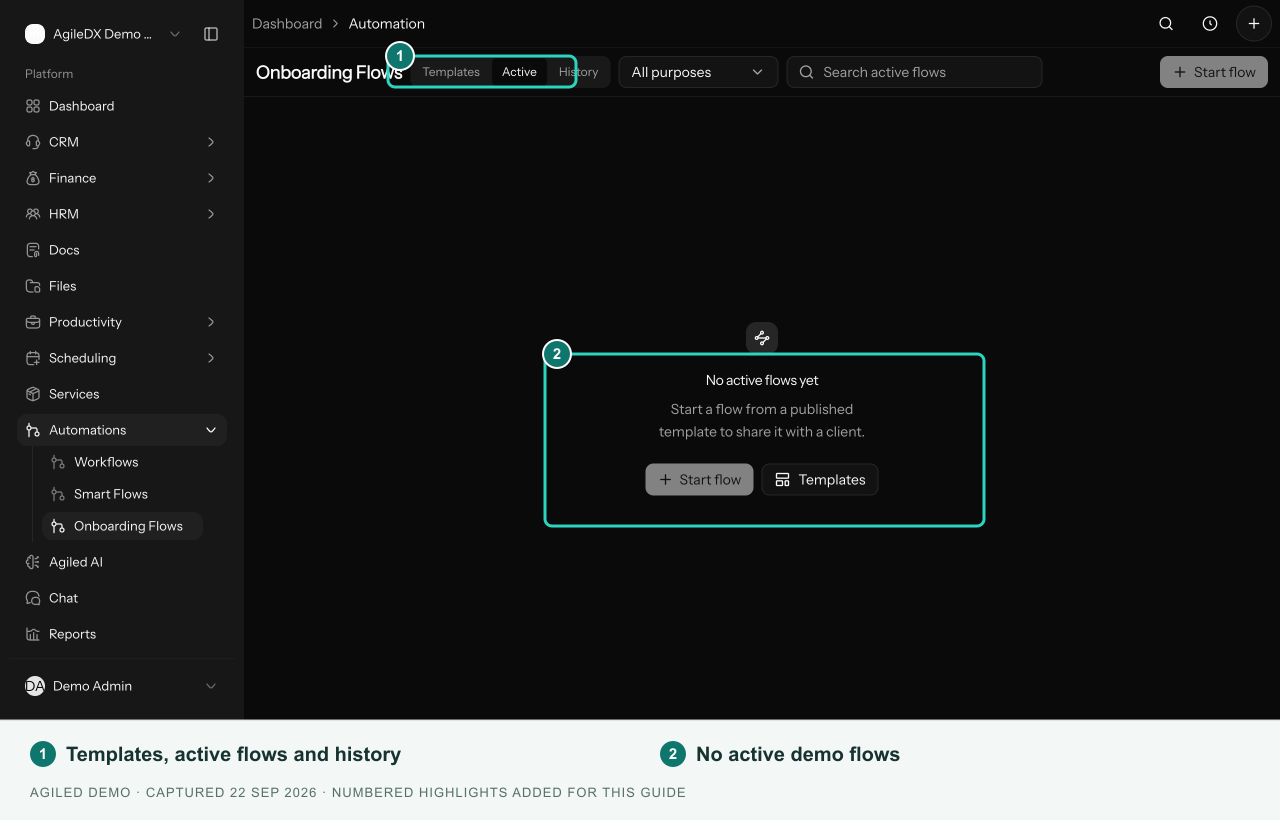
Open Automations > Onboarding Flows. Templates holds reusable setups, Active shows active and paused client runs, and History shows completed or stopped runs.
How onboarding works
- Create and publish a template.
- Start it for the intended contact.
- The client signs in to the portal and completes the available steps.
- Your team reviews progress and activity.
Starting a flow can prepare portal access and send an invitation. Check the recipient before starting.
Choose the right flow
Use Onboarding Flows for portal-gated work after a client relationship is established. Use Smart Flows for a public journey that includes proposals, contracts, or payment steps. Use Workflows for internal actions, approvals, and releasing held client steps.