Wiki Pages
Create, edit, and maintain workspace wiki pages.
Wiki pages are editable knowledge documents inside the workspace.
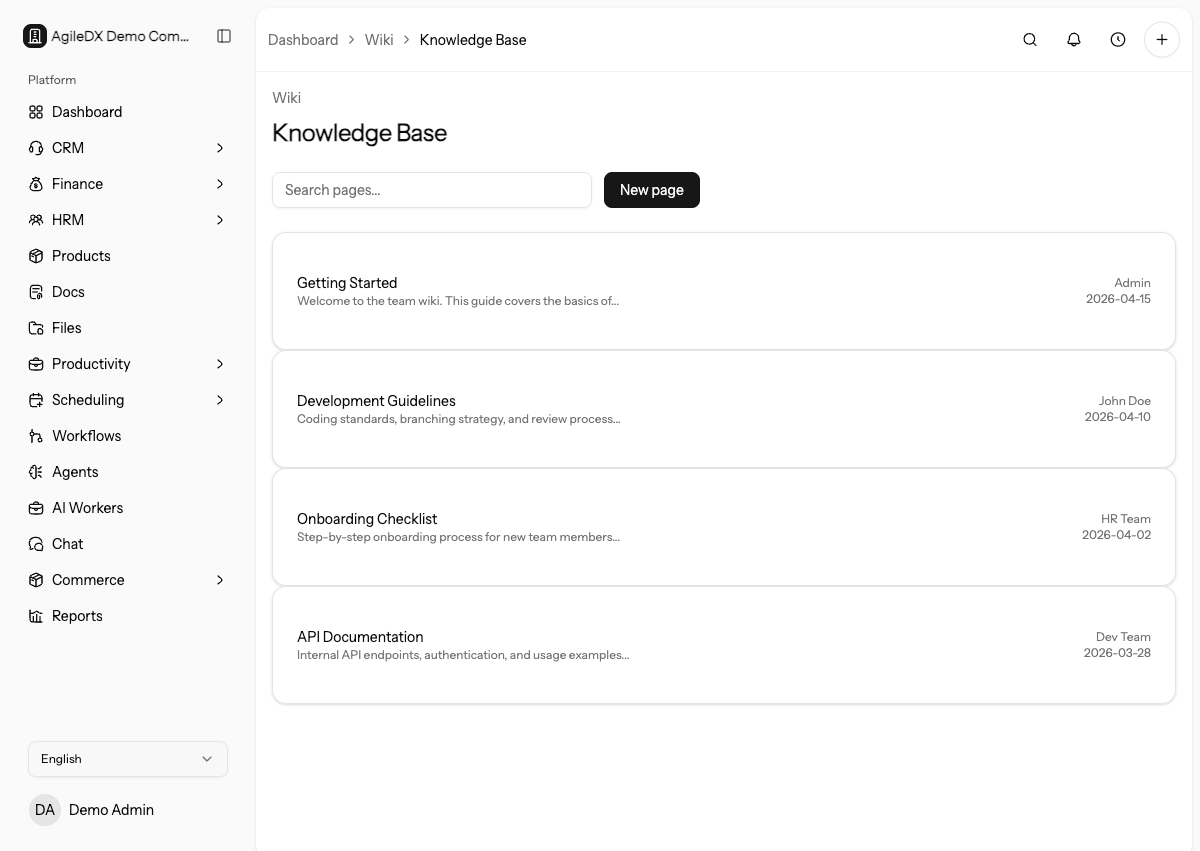
Use wiki pages for information the team should be able to find again: processes, policies, checklists, handoffs, and internal reference material.
Use wikis for internal operating knowledge. Use docs, files, forms, workflows, or tasks when the information needs to become a customer artifact, attachment, intake flow, automation, or assigned work.
Create a Wiki Page
Open the wiki area, create a page, give it a clear title, and write the content in a structure the team can scan. Keep one topic per page when possible.
Use Create a Wiki Page for the full workflow.
Start with a short purpose statement, then add steps, owners, related records, and review notes.
Start From the User Question
Write the page around the question a teammate will search for. For example,
How to process a refund request is easier to use than Refund notes because
it matches the task.
Find a Wiki Page
Use the search field on the wiki list to filter pages by title. Search before creating a new page so the team does not end up with duplicate guidance.
If search returns several similar pages, update or merge them before adding another version.
Edit a Wiki Page
Update wiki pages when procedures change. If the information is no longer correct, edit it or archive it instead of letting stale guidance remain visible.
When a wiki page changes a real process, update related forms, workflows, templates, dashboards, or team instructions at the same time. A wiki page should describe the current process, not a process the workspace no longer follows.
Use Links Instead of Copies
When the source of truth is an Agiled record, template, report, workflow, or form, link to it instead of copying every detail into the wiki. This keeps the page useful when the source record changes.
Maintenance Tips
- Use clear page titles.
- Keep steps short and action-oriented.
- Link to related Agiled docs or workspace records when useful.
- Review important pages after process or policy changes.
Add an owner or review note to important operating pages so teammates know who keeps the page current.
Governance Routine
For important pages, assign an owner and review cadence. Review after policy changes, workflow changes, team changes, or repeated support questions.
Archive pages that are no longer accurate. Old internal guidance can be worse than no guidance because teammates may trust it during live work.
What Belongs In A Wiki
Use wiki pages for stable guidance. Use chat for discussion, tasks for assigned work, files for attachments, and documents for customer-facing proposals or contracts.
Wiki Quality Checklist
A useful wiki page should answer:
- who the page is for
- when the process should be used
- which Agiled record, template, form, or workflow is the source of truth
- what steps the user should follow
- who owns review or approval
- when the page should be updated
Review Critical Pages
Review critical wiki pages against the actual record, workflow, template, or policy they describe. Do not update important guidance from memory when a live setting, form, or finance template is the source of truth.
For high-use pages, add an owner, a review date, and a short change note. This helps teammates trust the page during onboarding, support, sales handoff, or operations work.