Set Up a Service Business
Configure Agiled for a small service company.
Use this guide when a small team needs CRM, projects, scheduling, invoicing, and documents in one workspace.
The goal is to build one connected flow: capture the customer, schedule or sell the work, deliver the service, and collect payment.
Setup Order
- Complete onboarding and create the workspace.
- Fill in business profile, currency, date format, timezone, and branding.
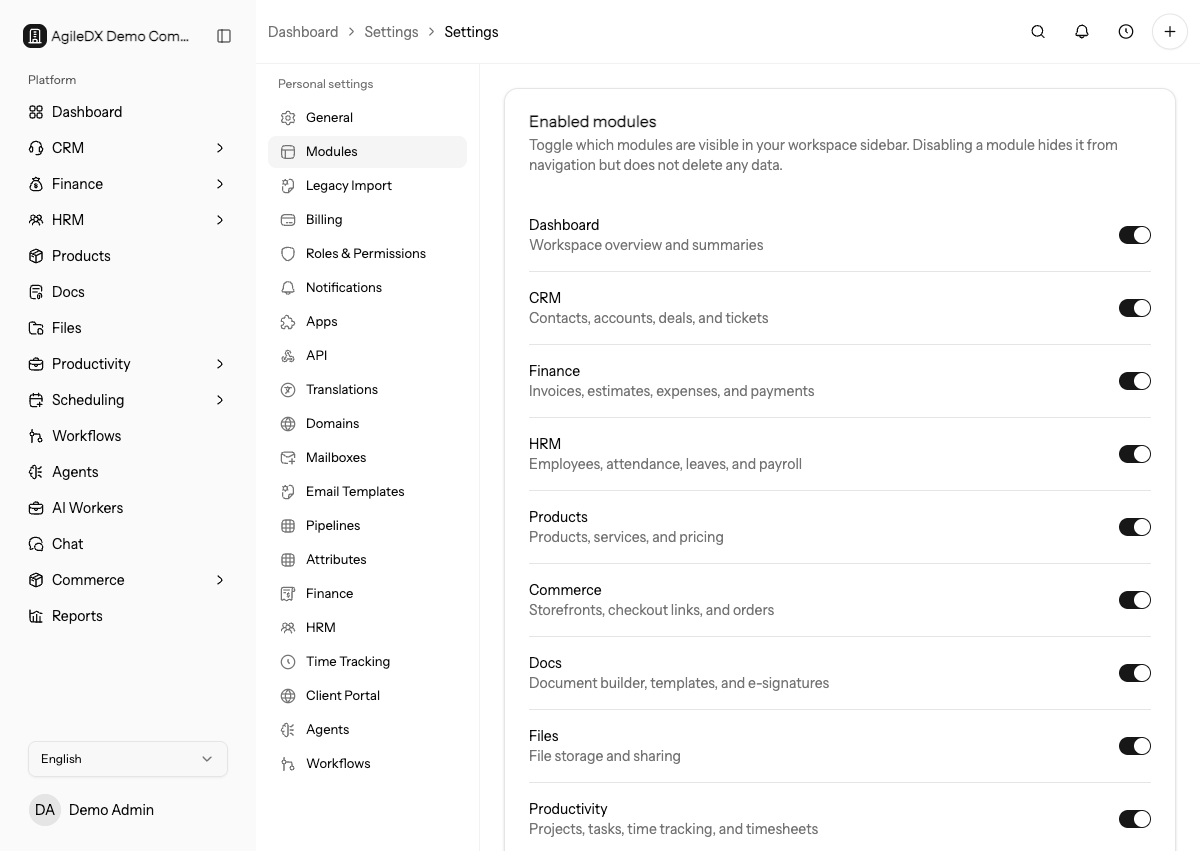
- Enable the modules your team will use first: CRM, Finance, Productivity, Scheduling, Docs, Files, and Reports.
- Invite team members and assign roles.
- Import contacts and accounts.
- Create a basic sales pipeline.
- Create project and task templates for repeatable service delivery.
- Connect a mailbox and calendar.
- Configure invoice numbering, taxes, payment terms, and payment gateways.
- Send a test invoice, booking link, and document before using the workspace with real customers.
Do not configure every module at once if your team is new to Agiled. Start with CRM, Finance, Scheduling, and Productivity, then add workflows and reports after real records exist.
Assign one owner for each setup area. CRM, finance, scheduling, delivery, and documents each need a person who can verify the first records and decide when the team is ready to use that area with customers.
First Week Checklist
- Add your active customers.
- Add open deals or active opportunities.
- Add current projects and tasks.
- Create at least one invoice template and one document template.
- Review reports and dashboard widgets after real data exists.
Also review which module is the source of truth for each workflow. For example, CRM owns customer context, Productivity owns delivery work, Scheduling owns booked appointments, and Finance owns invoices and payments.
Minimum Useful Setup
For a service business, the smallest complete setup is usually:
- CRM contacts and accounts for active customers
- one simple deal pipeline
- one project template or task template for common delivery work
- one booking page or event type if customers schedule with you
- one invoice template and payment method
- one document template if proposals or agreements are common
Finish this core setup before adding advanced automations. It gives the team a working customer path that can be improved with real usage.
Simple Operating Rhythm
For a small service team:
- review CRM leads and follow-ups daily
- review project tasks two or three times per week
- review invoices and payments weekly
- review reports after enough real records exist
- clean up test data before using dashboards for decisions
Start with a routine the team can actually maintain.
Test The Full Customer Flow
Create a test contact, book an appointment, create a project, send a document, send an invoice, and record a payment. Confirm public links, emails, templates, and reports all show the right business information.
Clean up or clearly label the test records after the flow works. Leaving test customers, invoices, payments, or appointments mixed with real setup data can confuse reports and onboarding teammates.
First Real Customer
Use the first real customer as a controlled launch. Assign one person to watch the CRM record, project, invoice, emails, files, and reports created during the flow. Fix naming, templates, payment instructions, or task ownership before inviting the rest of the team to rely on the setup.
Keep The Setup Maintainable
Use simple pipelines, a small number of roles, and a few high-value templates at first. Add complexity only when the team has a repeated need.
Avoid enabling complex workflows before the team agrees on the manual process. Automating an unclear process usually creates cleanup work.