Templates
Reuse document, email, finance, form, and productivity templates.
Templates help teams standardize repeatable work.
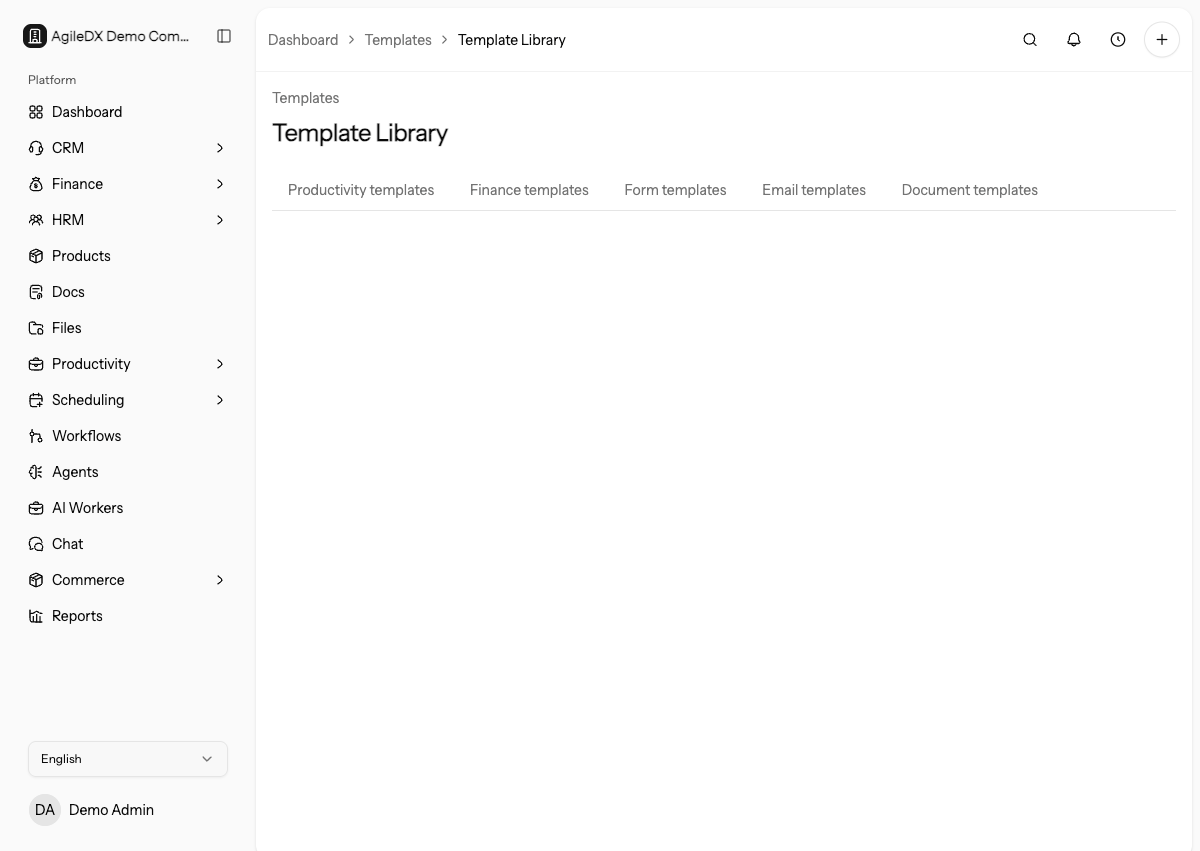
Use templates when you want the team to start from reviewed structure instead of copying old records.
Templates are starting points for future work. They usually do not rewrite records that already exist, so update existing documents, emails, projects, or forms separately when needed.
Template Types
- Document templates create reusable contracts, proposals, scopes, and agreements.
- Email templates standardize customer and system email content.
- Finance templates control invoice and estimate appearance.
- Form templates help teams reuse form structures.
- Productivity templates help teams reuse project and task patterns.
When to Use Templates
Create a template when the same structure is used more than once. Templates save time and reduce mistakes because the team starts from a reviewed baseline rather than recreating the same content manually.
Do not turn every one-off record into a template. A template should represent a repeatable process, approved wording, standard layout, or reusable intake structure that the team will actually use again.
Editing Templates
Update templates carefully. Changes affect future records created from the template, but usually do not rewrite existing records that were already created. If the template controls public output, preview it before using it with clients.
Review templates after process, pricing, branding, or legal wording changes.
Assign owners for high-impact templates such as invoices, contracts, public forms, and onboarding projects.
When a template affects customers, test a real record created from the template. For example, create a draft invoice, proposal, form, or project and inspect the result before asking the wider team to use it.
Template Hygiene
Use clear names, archive old versions, and test a new record after changing an important template. Existing records usually need separate review.
Template Review Routine
Review high-impact templates on a schedule. Check owner, last review date, branding, variables, pricing, legal wording, public preview, and whether the template still matches the current process.
For finance, document, and form templates, create one draft record from the template and inspect the actual output. The generated record is what customers or teammates will use.
Troubleshooting
If a teammate starts from the wrong template, improve names and archive old versions.
If public output looks wrong, preview the record created from the template, not only the template editor.
If existing records still show old wording or layout, update those records separately. Template changes normally affect future records, not documents, forms, projects, or finance records already created.
Recommended Guides
- Build a reusable onboarding pack.
- Standardize invoice and estimate templates.
- Create a form template for lead capture.