AI Workers and Agents
Use AI workers, agents, chat, context sources, tools, and run history.
AI workers and agents help your team use workspace context to review records, summarize work, and perform approved actions.
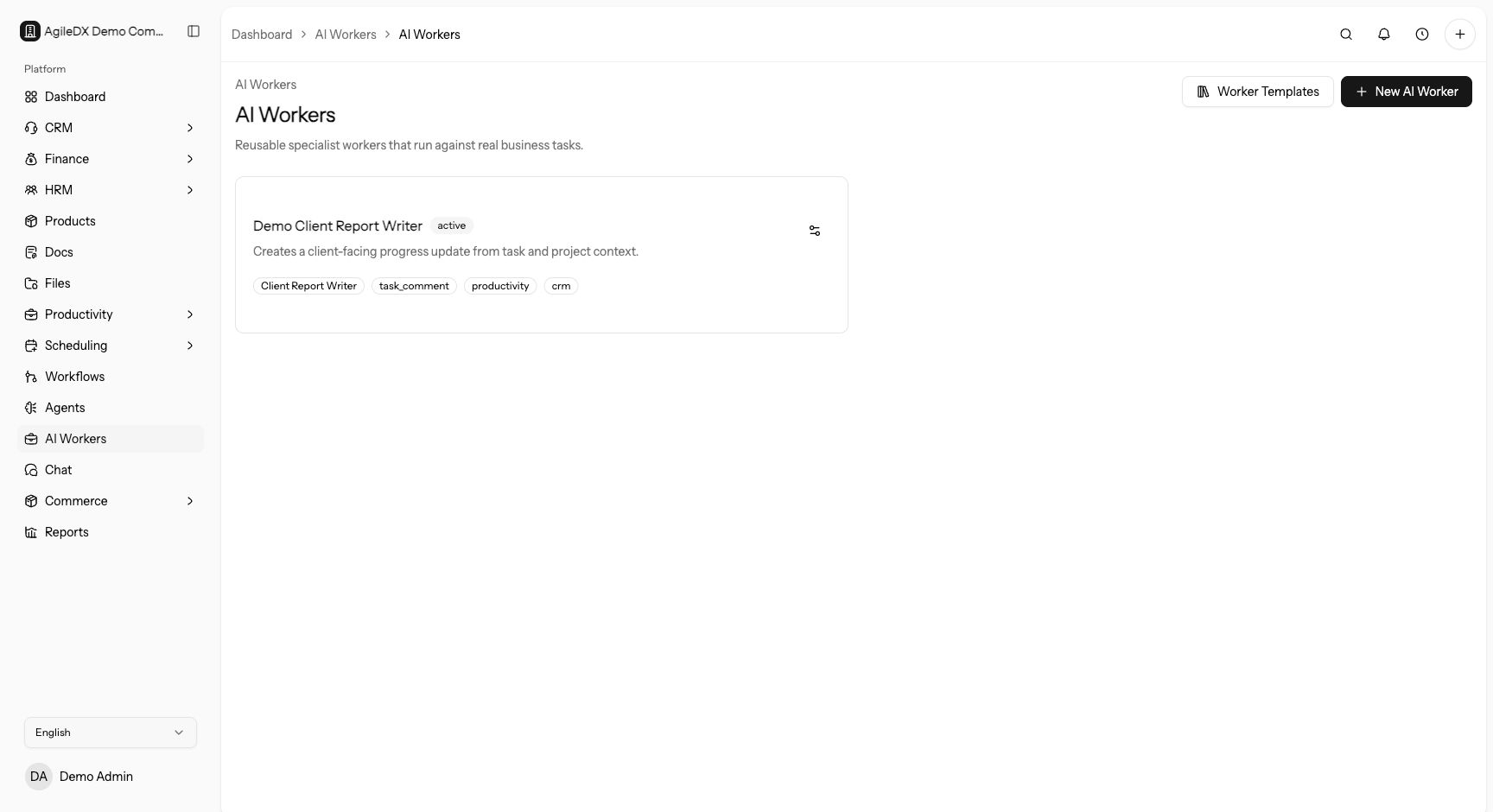
Use AI workers for repeatable work that benefits from the same instructions each time. Use chat when the work is exploratory, one-off, or still needs human judgment before it becomes a repeatable process.
Agents and Chat
Agents provide AI-assisted interaction with workspace records. Chat is useful for asking questions, reviewing context, and working with allowed tools.
Start in chat when you are still learning what information is needed. Turn the pattern into a worker only after the prompt, context, and expected output are clear.
AI Workers
AI workers are configured assistants for repeatable jobs. A worker has instructions, context sources, allowed tool categories, and run history. Use workers for recurring or structured work that benefits from consistent instructions.
Good worker candidates include overdue task review, CRM activity summaries, handoff preparation, support triage drafts, and record cleanup suggestions.
Context Sources
Context sources decide which parts of the workspace a worker can consider, such as tasks, projects, CRM, finance, docs, or files. Only enable the sources needed for the worker's job.
Allowed Tools
Allowed tools define what the worker can do. Keep tool access scoped to the worker's purpose. A summarizing worker may only need read access, while an operations worker may need to create tasks or update CRM records.
Run History
Use run history to review what happened, what the worker used, and whether a run failed. Failed runs should be reviewed before changing worker instructions.
Safe Rollout
Create workers in draft, test them on safe records, review the run output, then activate them for broader use. Keep tool access narrow until run history proves the worker behaves as expected.
Troubleshooting
If output is vague, improve instructions and add the minimum context needed. If output is risky, reduce tool access or pause the worker while you review it.
Worker Review Routine
Review active workers on a schedule. Check owner, instructions, context sources, allowed tools, recent successful runs, recent failures, and whether the output still matches the business process.
Pause workers that create or update records when the related CRM, finance, project, or HRM process changes. Reactivate only after a safe test run confirms the worker still behaves correctly.
Human Review Boundaries
Use AI workers to assist work, not to remove accountability for sensitive decisions. Keep human review for customer-facing messages, finance changes, contract or document decisions, HRM changes, and bulk record updates unless your team has explicitly approved the automation.
If the worker output will trigger another workflow, review both the worker run and the downstream workflow run during testing.
Recommended Guides
- Create a worker that summarizes CRM activity.
- Create a worker that reviews overdue tasks.
- Use AI with docs, finance, CRM, and projects.